AI Assistant Integration - Assistant Integration Procedure
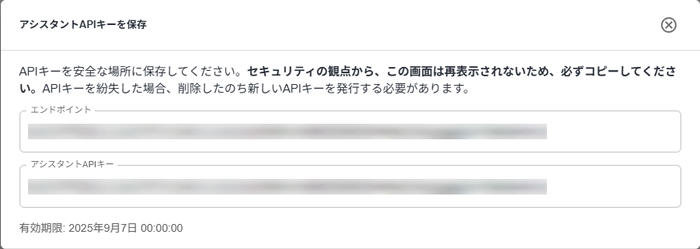
Explains how to issue the Assistant Endpoint and the Assistant API Key required for AI Assistant Integration.
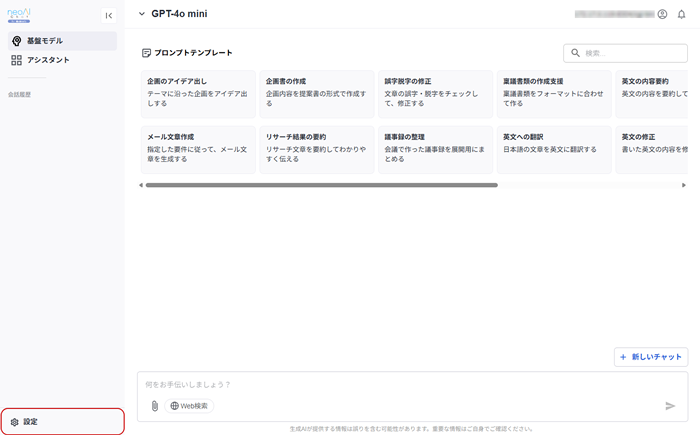
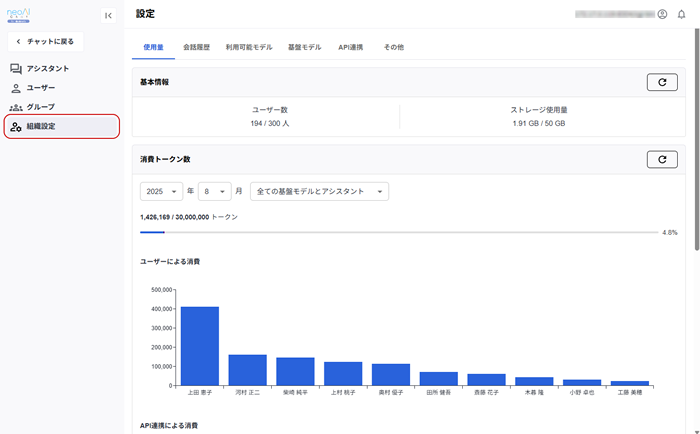
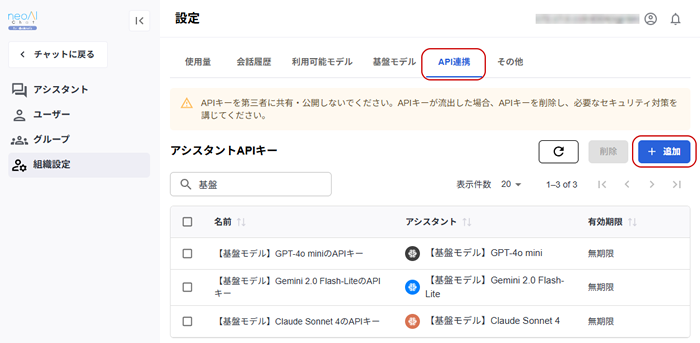
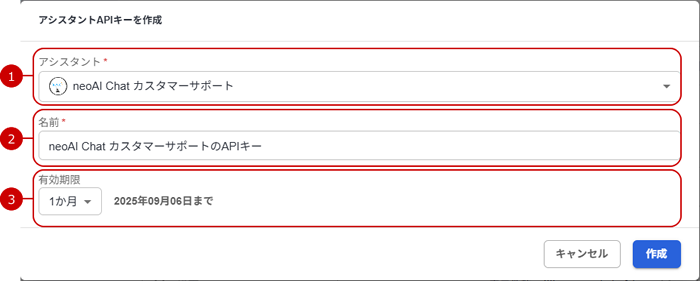
Steps to operate neoAI Chat.
*The "API Key" corresponds to the "API Key v1" in neoAI Chat.
* Only users with organizational administrator privileges in neoAI Chat can perform the following operations.